

8′0″x10′0″ · $149.99


When visualizing furniture in a room, the choice of color can significantly influence the overall atmosphere and perception of space. Recent trends highlight the importance of selecting paint colors that not only complement the furniture but also enhance the room's functionality and aesthetic appeal. For instance, in the Living by Design Virtual Showhouse, designers have embraced a variety of color palettes that reflect contemporary luxury while maintaining a sense of warmth and comfort.
One notable example is the use of blues, which have been making a strong comeback in interior design. Shades like Sherwin-Williams' 'Hague Blue' and 'Eventide' are celebrated for their ability to evoke calmness and sophistication. These colors can transform a space, making it feel both inviting and stylish. The versatility of blue tones allows them to pair beautifully with various furniture styles, from modern to traditional.
Moreover, the integration of natural materials and textures plays a crucial role in creating a cohesive look. In the Virtual Showhouse, the use of rich textures and layered finishes adds depth to each room, making the visualization of furniture more realistic and appealing. For example, the combination of marble surfaces and warm wood accents can enhance the visual interest of a space, allowing furniture pieces to stand out while still feeling part of the overall design narrative.
As you explore different furniture visualization tools, consider how color and material choices can impact your design decisions. Utilizing tools that allow you to experiment with various color schemes and textures can help you better visualize how your selected furniture will harmonize with the room's overall aesthetic.
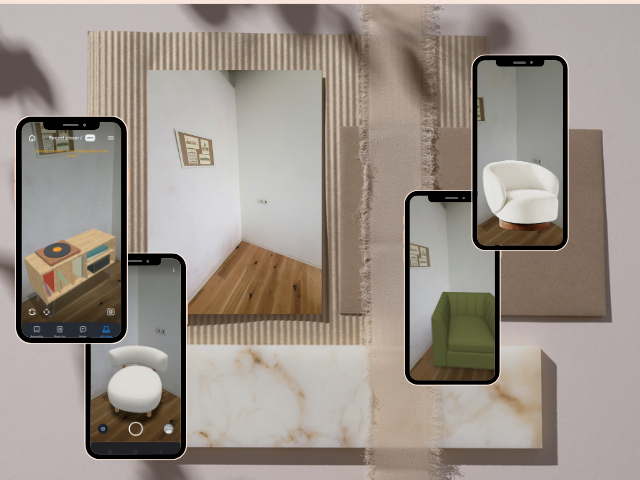
Moving into a new space or just rethinking your layout can feel pretty overwhelming. Where to place the sofa? Does that dresser block the light? Will the rug be too small? Over the years I’ve tried sketches, tape outlines and countless Pinterest collages. But recently I decided to try something new and test 7 furniture visualization tools to see if they could actually help me visualize the future space better.
The goal wasn’t just pretty images or abstract ideas on how to furnish my future home. I wanted furniture visualization tools that help me see realistically how furniture will look and fit in a real room, and decrease the chance of returning products. Below I share my top picks that impressed me the most and that I would recommend to my family and friends.
After testing in total 7 different programs, only 3 of them excelled as useful, versatile and user-friendly tools. Some of the tested programs had more features than others while others gave more realistic renders or had more user-friendly UI and would allow me to instantly see what fits and doesn’t fit in my space.
Below you‘ll find my top picks – Ikea’s AR visualization, Apt2B’s AR visualization, DressMyCrib Furniture Visualizer, and the other 4 Furniture Visualizer tools. Each and every of these tools offer something different, depending on your end goals. Whether you want to visualize the specific furniture you had your eyes on for a while, try out different furniture inspirations or measure how it would look together with your other pieces.
If you're short on time, go straight to one of those. But the rest of this list also brings value, especially in certain use cases.
Before we jump into top 7 Furniture Visualization tool reviews, here’s a bit on how I tested each of them. To compare them all, I used the same empty room as a standard room with minimal features. In addition, I tried to furnish it in a modern neutral Scandinavian style – specifically chairs to get inspiration for reading/lounging nook.
A few more key points I took into consideration when testing:
I also noted how well each tool allowed me to move furniture, swap finishes and compare alternatives.
Furniture Visualization by IKEA
Best for: Visualizing IKEA furniture in your own room using AR.
IKEA has a function that allows you to see any IKEA product in your space, using Augmented Reality (AR). It’s a simple and quick way to see how specific products would fit in your space, making it perfect both for home furnishing and home makeovers.
Key Features:
My Experience:
IKEA’s AR is powered by 3D models that are high in quality and allow you a realistic view. The UI was relatively intuitive and visualizations even had shadows to make it more realistic. The only thing that really disappointed me was that the function is not available on different localized IKEA websites, meaning that you have to go to other country’s localized IKEA page to be able to view the same furniture in your room.
Pros: IKEA’s AR has a realistic furniture scaling, simple UI and realistic visualizations.
Cons: Limited to IKEA products, works better on iOS compared to Android.
Furniture Visualization by Apt2B
Best for: Visualizing Apt2B products in your room photo.
Apt2B uses Roomvo to visualize furniture in a room photo with 3D Furniture models. It’s a quick way to see how specific furniture pieces you might be eyeing would look in your space before you decide to buy it.
Key Features:
My experience:
APT2B’s “Virtual Toolbox” is very easy to use, 3D models have a great quality and what surprised me the most is that you can add more than one furniture piece to the room photo – making it a perfect tool to decorate your whole room. On the other hand, I couldn’t find how to access the function directly through catalogue or inside the website and had to specifically search “Apt2B visualizer” on Google Search. Overall, the tool is very useful if you’re looking to buy from Apt2B or furnish from zero, but beware that a lot of Apt2B products are not available to be viewed through this tool.
Apt2B's User Interface
Pros: Allows you to add more than one furniture piece to the room photo, realistic visualization.
Cons: Does not have all Apt2B products, the feature is hard to find, sometimes it crashes.
Furniture Visualization by DressMyCrib
Best for: Easy and fast way to see any furniture, rug or curtains in your room.
This Furniture Visualizer is a great option for those who already have a product in mind or those looking to try different options in their space. The visualizer allows you to choose an existing product from DressMyCrib catalogue or upload a photo of any product you’ve been already eyeing. Upload the photo, choose furniture size and it converts the product into Augmented Reality (AR) preview that you can see through your phone’s camera in your room.
Key Features:
My Experience:
Unlike Ikea or Apt2B visualizers that use 3D models to give you a realistic visualization, it uses 2.5D which is a bit lower in quality and gives you less realistic view. On the other hand, DressMyCrib has a whole range visualizers from furniture, rug to curtain, pillows and wall art. The UI is extremely user friendly while the results give you a lot of insights on what products work and don’t. This free tool allowed me to upload a photo of the product I found in a different store and preview it in my room, giving me a realistic visualization on how it would look. In addition, you can also move the product to sides and position it in different areas, giving you enough understanding on what furniture layout or which nook would be the best for your space. I also liked how it’s connected to other DressMyCrib visualizers and the existing catalogue.
DressMyCrib's function to upload furniture photo and transform it into AR-viewable 2.5D model
Pros: Can upload any furniture photo to view it in your room, Free tool with intuitive user interface, results give a quick visual check to avoid product returns and doesn’t require the app installation – works on the browser.
Cons: Works better using iOS phone compared to Android phone, uses 2.5D instead of 3D models, lightning/shadow is limited.
Furniture Visualization by Moblo
Best for: Designing furniture into 3D model that you can later preview in your room, using AR.
Moblo is a free mobile application that allows you to create 3D models that you can also preview in your room, using augmented reality. With its’ AR visualizer, you can easily move furniture around and see what placement fits your space the best.
My Experience:
Moblo is fun for brainstorming. It feels more playful than precise. You can move furniture around easily and instantly get that visual feedback. It is, however, more useful if you want to build your own furniture, commission one or flip an existing one over. The application requires creating models by yourself, therefore it is less convenient if you want a quick visual check. In addition, it can be used with existing 3D models to check placements and such.
Furniture Visualization by Moblo
Pros: Encourages experimentation, great for furniture builders or if you want to do your own little crafting project, very user-friendly interface.
Cons: Rendering quality is basic, requires you creating or recreating the product into 3D model.
Furniture Visualization by Oak Furnitureland
Best for: Oak Furnitureland’s product viewing in your space.
Oak Furnitureland offers an AR furniture visualization function just like Ikea and Apt2B. This function allows users to rotate 360 ° the product and move it around, making your purchase decision more confident.
My Experience: Oak Furnitureland’s AR function is very easy to use and has the same intuitive AR interface like DressMyCrib, Ikea, Apt2B or Moblo. 3D models are also good quality, allowing you to get realistic furniture visualization through your camera lens. Interestingly, when you visualize the product, you can notice that the opacity isn’t 100% full, making it possible to see the lines of what is behind e.g. the chair. It does, however, not affect your visualization.
Pros: Easy-to-use interface, high quality models, does not require an app, easy to find feature on product page.
Cons: Limited to Oak Furnitureland products.
Furniture Visualization by Homestyler
Best for: Building full 3D room layouts, viewing product in your room using AR.
Homestyler is an application that offers a variety of functions from 2D-to-3D room plans, AI generation and product viewing in AR.
My Experience:
Homestyler was one of the tools I was looking forward to trying the most. When I found that they have AR visualization, I had very high hopes. However, once I installed the application, the AR function was nowhere to be found. On the upside, they have an option to upload room photo (warning alert: it went rather bad) in which you can place 3D model furniture pieces. First of all, the application requires you to post a horizontal photo for it to work, however, it does not notify you beforehand. Once you upload a photo, you need to mark correctly the lines of your floor, walls and ceilings. This, however, didn’t work with majority of my space photos and in the end, I had to use a stock photo of a room. On the upside, 3D models looked great and were easy to place in the photo. They also have a big range of products in their library.
Homestyler not working with vertical room photos or room photos that don't show both side walls
Pros: Big library of real furniture products, good visualization.
Cons: Unfriendly and confusing user-interface, free version limits your access to tools, slow and “laggy”, requires an app.
Furniture Visualization by Place Furniture AR
Best for: Checking how types of furniture could look in your space.
Place Furniture AR is a mobile app that allows you to place furniture in your room. Powered by 3D models, Place Furniture AR provides realistic furniture visualization.
My Experience:
Place Furniture AR visualizes pieces in your room really well, it’s easy to move them around and rotate, and user-interface is very simple and intuitive. However, the application itself still feels very much like a Beta testing – there are not many functions or products to begin with, so at the best this app can be used only for quick check how different categories of products would look in your space.
Place Furniture AR's User Interface
Pros: Simple, easy and accurate AR placement.
Cons: Lacks products and functions to be useful and worth using, requires an app.
If you’re looking to feel more confident in your online purchases or designing ideas, these tools are a great addition to your designing process! Whether you’re renovating, furnishing your first apartment or just exploring what looks good together and what doesn’t, furniture visualization tools will help you test your ideas out instead of second guessing. For a quick, free and easy way to see how furniture fits in a room – use DressMyCrib. If you’ve had your eyes on a specific product from Ikea, Apt2B or Oak Furnitureland, test their AR features for realistic previews. And if you're feeling creative and want to build something yourself, but struggling to visualize it, use Moblo to create your own model that you can preview in the room.
Of course, no tool is perfect. Some prioritse speed ove realism, others trade ease-of-use for flexibility. Choose the tool that best fits your phase in the design process, whether you're brainstormin, testing layouts or finalizing your vision.


8′0″x10′0″ · $149.99

8′0″x10′0″ · $195.00
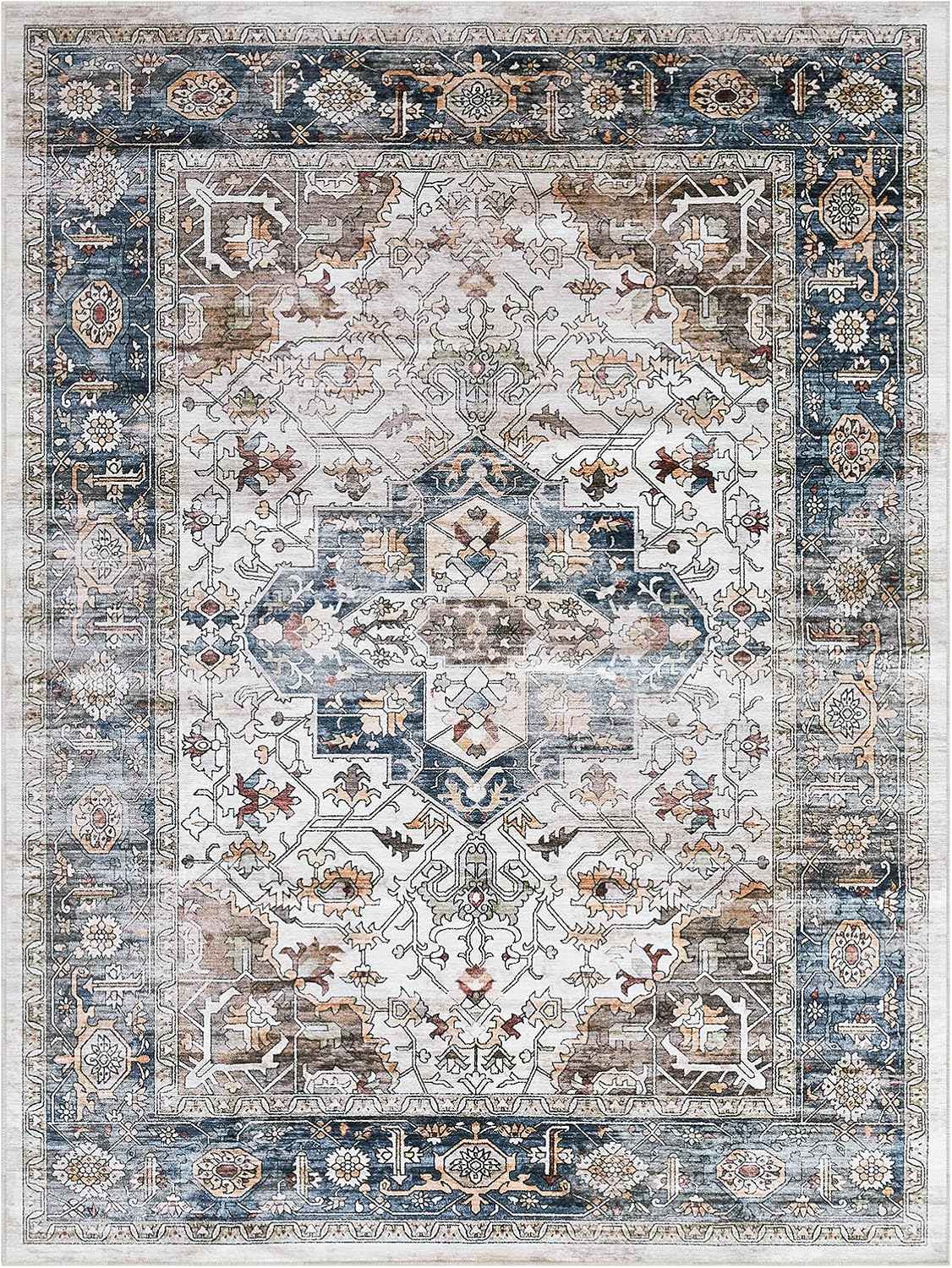
9′0″x12′0″ · $239.99

8′0″x10′0″ · $151.99

5′0″x8′0″ · $99.00

4′0″x6′0″ · $53.99

5′0″x8′0″ · $85.99

5′0″x7′0″ · $101.62
5′0″x7′0″ · $129.74

9′0″x12′0″ · $189.99

5′0″x7′0″ · $62.48

7′0″x10′0″ · $105.37

7′0″x9′0″ · $79.99

8′0″x10′0″ · $104.34

5′0″x7′0″ · $88.86

5′0″x7′0″ · $59.49

8′0″x10′0″ · $190.99

9′0″x12′0″ · $299.90

5′0″x7′0″ · $109.00

7′0″x9′0″ · $390.00

5′0″x7′0″ · $74.99
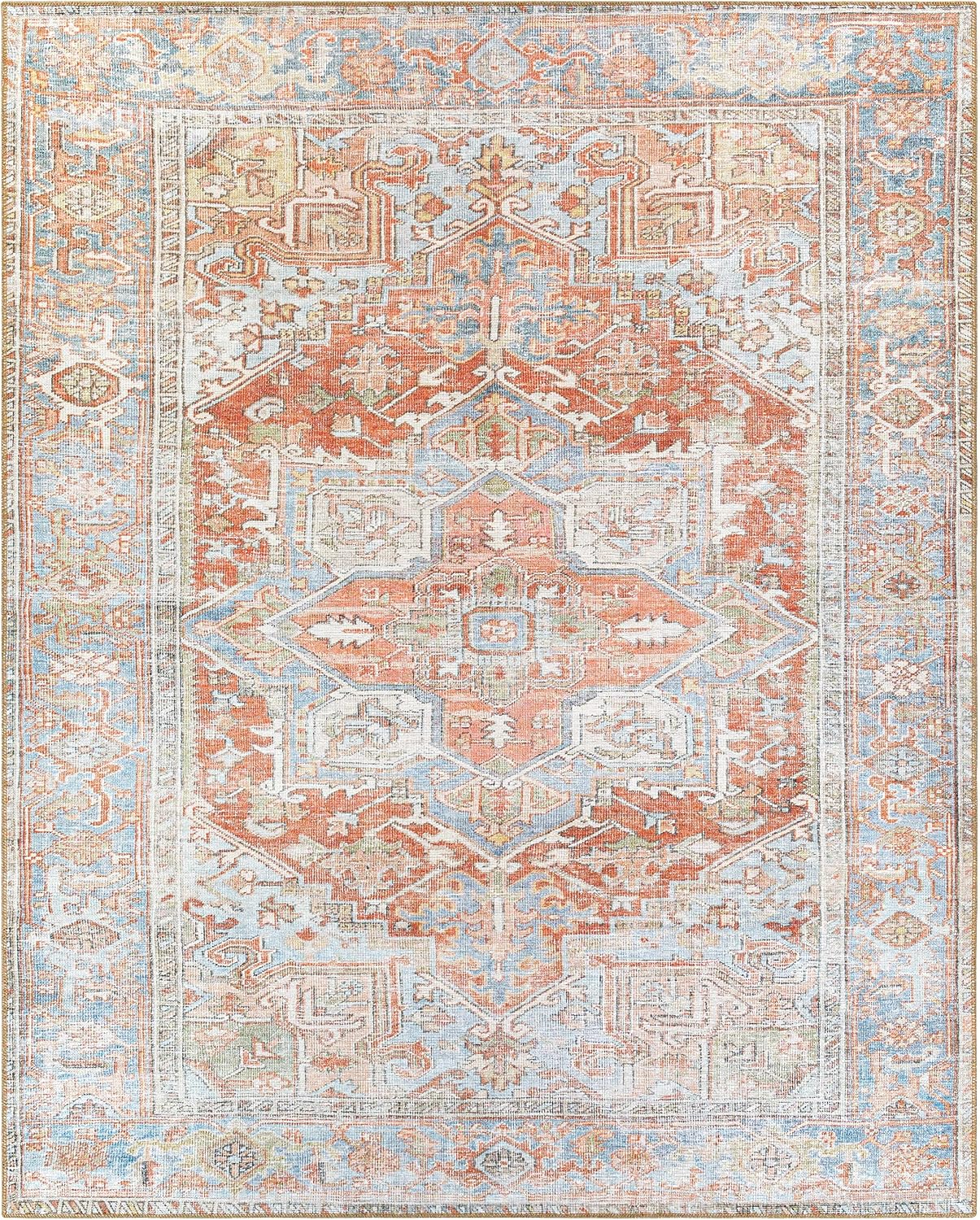
9′0″x12′0″ · $419.00

7′0″x9′0″ · $199.00

5′0″x8′0″ · $118.52

5′0″x5′0″ · $101.46

5′0″x8′0″ · $110.00
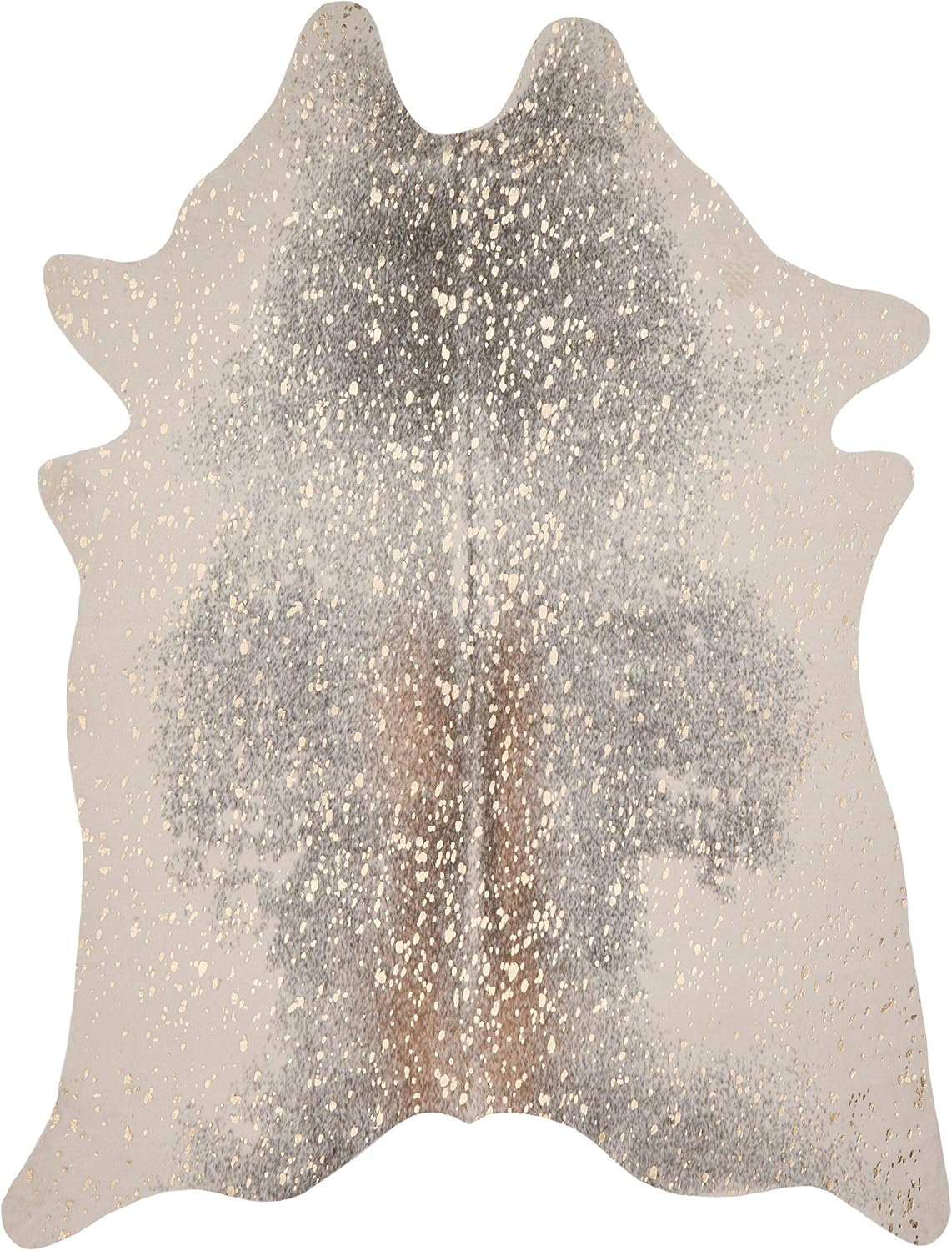
5′0″x7′0″ · $103.69

4′0″x5′0″ · $91.84

7′0″x9′0″ · $171.46

5′0″x8′0″ · $66.25

5′0″x8′0″ · $69.54

5′0″x8′0″ · $114.22
6′0″x9′0″ · $132.99

5′0″x8′0″ · $204.99